 Key Takeaways:
Data replication tools copy and sync data across databases, warehouses, and disaster recovery sites to keep systems available and operations running. Choosing the right one comes down to fit, and the decision depends on data volume, latency needs, source coverage, and team maintenance capacity.
1. CDC support out of the box
- Log-based CDC by default: Hevo, Qlik Replicate, AWS DMS, and Airbyte handle real-time change capture without extra configuration
- Batch by default: Fivetran and Matillion run on schedules unless you upgrade to a higher tier for streaming
2. Pricing predictability
- Predictable: Hevo uses event-based pricing, and Airbyte is open source. Both let you forecast costs reliably
- Variable: Fivetran charges on Monthly Active Rows, which can spike with sync volume
- Quote-based: Talend, Informatica, and Qlik price per deal, so the total cost requires sales conversations
3. Legacy tools sunsetting
- Talend Open Studio was discontinued in January 2024, and Informatica PowerCenter reached end-of-support in March 2026. Both vendors are pushing users to cloud-native platforms
4. Best overall pick
- Hevo offers the strongest option for most teams: real-time CDC, automatic schema handling, predictable pricing, and zero infrastructure overhead.
Data replication is one of those behind-the-scenes tasks that businesses often overlook until it starts causing problems.
You know the drill: data that should be synced across systems gets out of date, reports become unreliable, and your team is left scrambling to fix things. For many companies, this isn’t just an occasional issue; it’s a recurring challenge.
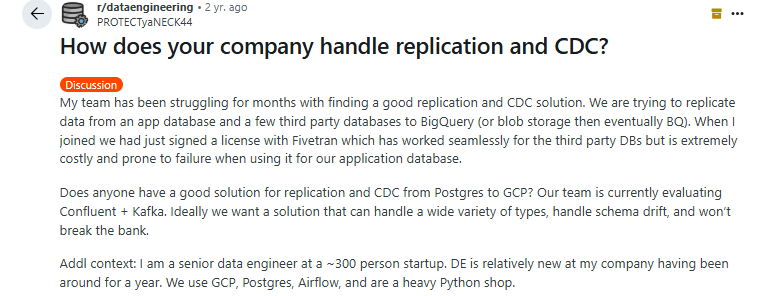
The real problem with data replication is often about keeping data consistent, up-to-date, and accessible across systems. All without compromising on performance. Many businesses struggle with schema drift and keeping everything in sync in real time.
That’s why we’ve put together a list of the best data replication tools on the market, from open-source solutions that are flexible and affordable to closed-source tools with robust enterprise features and reliable support.
Table of Contents
Quick Comparison of the Top Data Replication Software [2026]
| Hevo | Airbyte | Talend (Qlik) | Informatica | Qlik Replicate | Fivetran | Matillion | |
|---|---|---|---|---|---|---|---|
| G2 Review | 4.4/5 (274) | 4.4/5 (75) | N/a | 4.3/5 (100+) | 4.3/5 (110) | 4.3/5 (792) | 4.4/5 (83) |
| Pricing model | Event-based | Capacity-based / OSS free | Capacity-based, custom quote | IPU consumption, custom quote | Volume / endpoint subscription | Per-connector MAR (Jan 2026 model) | Credit-based consumption |
| Free plan | ✓ 1M events | ✓ open-source self-hosted | ✗ (Open Studio retired Jan 2024) | ✗ (free trial only) | ✗ (free trial only) | ✓ 500K MAR | ✓ Developer tier |
| Free trial | 14-day | 14-day | Demo on request | 30-day | Demo on request | Pay-as-you-go on free plan | Free Developer tier |
| Connectors | 150+ | 600+ | 1,000+ | 300+ | 30+ enterprise endpoints | 700+ | 150+ |
| CDC support | Log-based, real-time on Pro/Business tiers | Log-based for major DBs | Stream + batch | Real-time + batch | Log-based, real-time | Log-based, batch syncs default | Log-based CDC |
| Best suited for | Teams that need real-time, fault-tolerant replication without infrastructure | Teams with custom integration needs and DevOps capacity | Enterprises focused on data quality, governance, and MDM | Large enterprises with complex hybrid workflows and AI-driven needs | Enterprises moving high-volume, heterogeneous database replication | Teams that want hands-off, broad-coverage SaaS + DB replication | Teams running cloud-native warehouses (Snowflake, Redshift, BigQuery, Databricks) |
| Pricing | Free; Starter from $239/mo (annual); Professional from $679/mo; Business custom | OSS free; Cloud Standard ~$10/mo | Custom quote | Custom quote | Custom subscription based on data volume | Free 500K MAR; Standard PAYG | Developer free; Teams/Scale credit-based |
How Do We Choose the Top 10 Data Replication Tools?
Data replication is a crowded category, and most best-of lists feel suspiciously similar, with the same logos in the same order and the same generic praise. Here’s how we actually narrowed the list to these 10:
- Started with community signals: We pulled themes from r/dataengineering, Hacker News, and the dbt community Slack over the past 12 months and tracked which tools data engineers keep recommending and which ones show up most in “switched away from” threads.
- Cross-checked against G2 and Capterra: We filtered to tools with enough third-party reviews and an average rating of 4.0 or higher, then read recent impressions to understand the tradeoffs each tool comes with.
- Pulled in customer feedback: We synthesized conversations with data engineers and analytics leads currently running these platforms in production.
- Spanned the category: The final list intentionally covers different shapes of the problem like managed ELT and disaster-recovery-focused tools. You can compare apples-to-apples within your bucket instead of stacking a backup tool against a streaming CDC platform.
With that out of the way, here’s the rundown.
10 Best Database Replication Software: Detailed Comparison
1. Hevo Data

Hevo Data is a real-time, no-code data replication and ELT (Extract, Load, Transform) platform platform built for teams that want continuous data movement across 150+ sources — operational databases like MySQL, PostgreSQL, MongoDB, Oracle, and SQL Server, plus SaaS applications, files, and APIs — without writing pipeline code or managing infrastructure.
For data replication workloads, Hevo is built around three pillars: Reliability, Simplicity, and Transparency.
Reliability shows up in a microservices-based architecture where ingestion, orchestration, and loading run as isolated services, so one failing pipeline doesn’t take down the rest.
Simplicity shows up in the four-step pipeline setup, automatic schema handling, and a fully managed control plane.
Transparency shows up in event-based pricing (no opaque MAR multipliers), unified observability dashboards, and end-to-end pipeline lineage.
Key features
- Log-based change data capture: Streams inserts, updates, and deletes from supported databases as they happen
- 150+ pre-built connectors: Operational databases, cloud warehouses (Snowflake, BigQuery, Redshift, Databricks), SaaS apps, files, and APIs. Custom connectors built on request.
- Automatic schema drift handling: Detects new columns, type changes, and dropped fields at the source and propagates them to the destination.
- Auto-healing pipelines: Intelligent retries, idempotent writes, and a fault-tolerant architecture recover from transient source failures without manual intervention.
- In-flight and post-load transformations: Drag-and-drop transformer or Python for pre-load logic; native dbt integration for warehouse-side modeling on paid tiers.
- End-to-end observability: Unified dashboards, detailed logs, and pipeline lineage across every connector. Alerting via email and webhook.
Enterprise security and compliance: SOC 2 Type II, GDPR, and HIPAA certified. SSH/SSL encryption, RBAC, SSO, and VPC peering on higher tiers.
SalesRabbit partnered with Hevo Data to modernize its data infrastructure and eliminate inefficiencies caused by fragmented, manual data pipelines.
Before Hevo, the company struggled with limited visibility and high engineering overhead.
But by adopting Hevo’s automated data integration platform, SalesRabbit gained seamless access to data across more than 2,000 schemas, significantly improving data reliability and accessibility.
This shift also reduced operational complexity and enabled faster, more informed decision-making. As a result, SalesRabbit strengthened its data-driven culture, empowering teams across the organization to leverage insights more effectively. Read the full case study here
Pros
- Genuinely fast setup; most connectors go live in under five minutes.
- Responsive support has been consistently called out as a strength in G2 and Capterra reviews.
- Predictable event-based pricing avoids the per-row volatility of MAR-based models.
Cons
- There might be an occasional bug or two, but it gets fixed pretty soon
- Event-based pricing is predictable but still scales with data volume
Pricing
Sourced from Hevo’s pricing page:
- Free: Up to 1M events/month, 5 users, 1-hour scheduling, limited connectors.
- Starter: $239/month for 5M events; scales to 50M; 10 users; full connector library.
- Professional: $679/month for 20M events; scales to 100M; unlimited users; reverse SSH.
- Business Critical: Custom; streaming pipelines, RBAC, SSO, multiple workspaces, VPC peering.
G2 Rating: 4.4 out of 5 (276+ reviews)
Capterra: 4.7 out of 5 (110 reviews)

Via G2
2. Airbyte
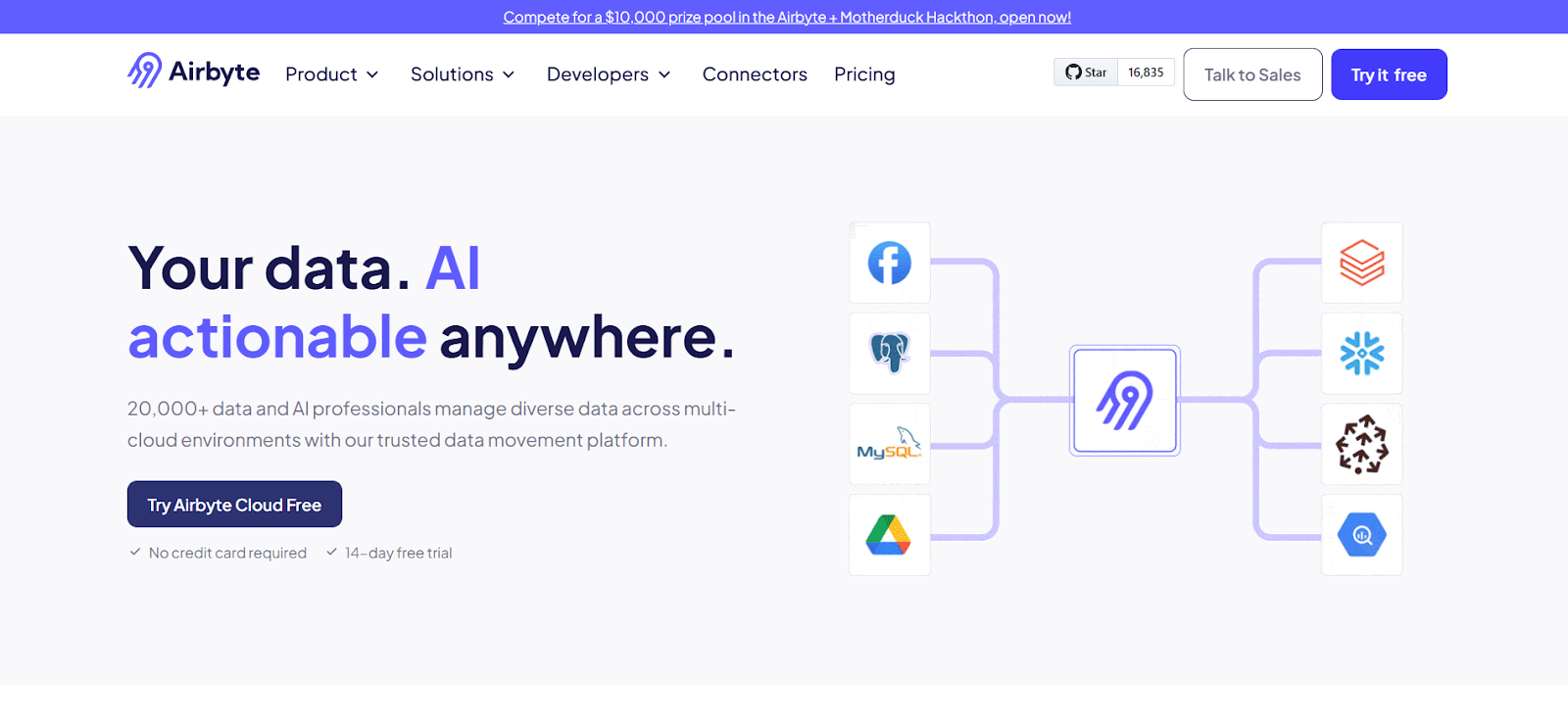
If your company requires flexibility and customization, Airbyte is a strong option. Unlike fully managed proprietary platforms, Airbyte is open-source first, giving you full control over your data pipelines. It now supports 600+ connectors and offers low-code, no-code, and AI-powered connector building, which makes it well-suited for teams with niche source requirements.
Features
- Open-source ELT platform with 600+ pre-built connectors and 10,000+ community/custom connectors.
- Multiple deployment options: cloud (managed), hybrid, on-prem, and self-hosted.
- Connector Development Kit lets developers build new connectors quickly in Python or low-code.
- Manage pipelines via UI, API, Terraform, or Python libraries
Pros:
- It provides a clean UI to create ELT pipelines
- Its active community and Slack channel keep developers engaged and updated, making it a reliable ETL tool for any data professional.
Cons:
- Airbyte sometimes fails to fetch data from certain sources, and configuring access to in-house databases can be complex
- The tool sometimes lacks up-to-date documentation for certain connectors
Pricing
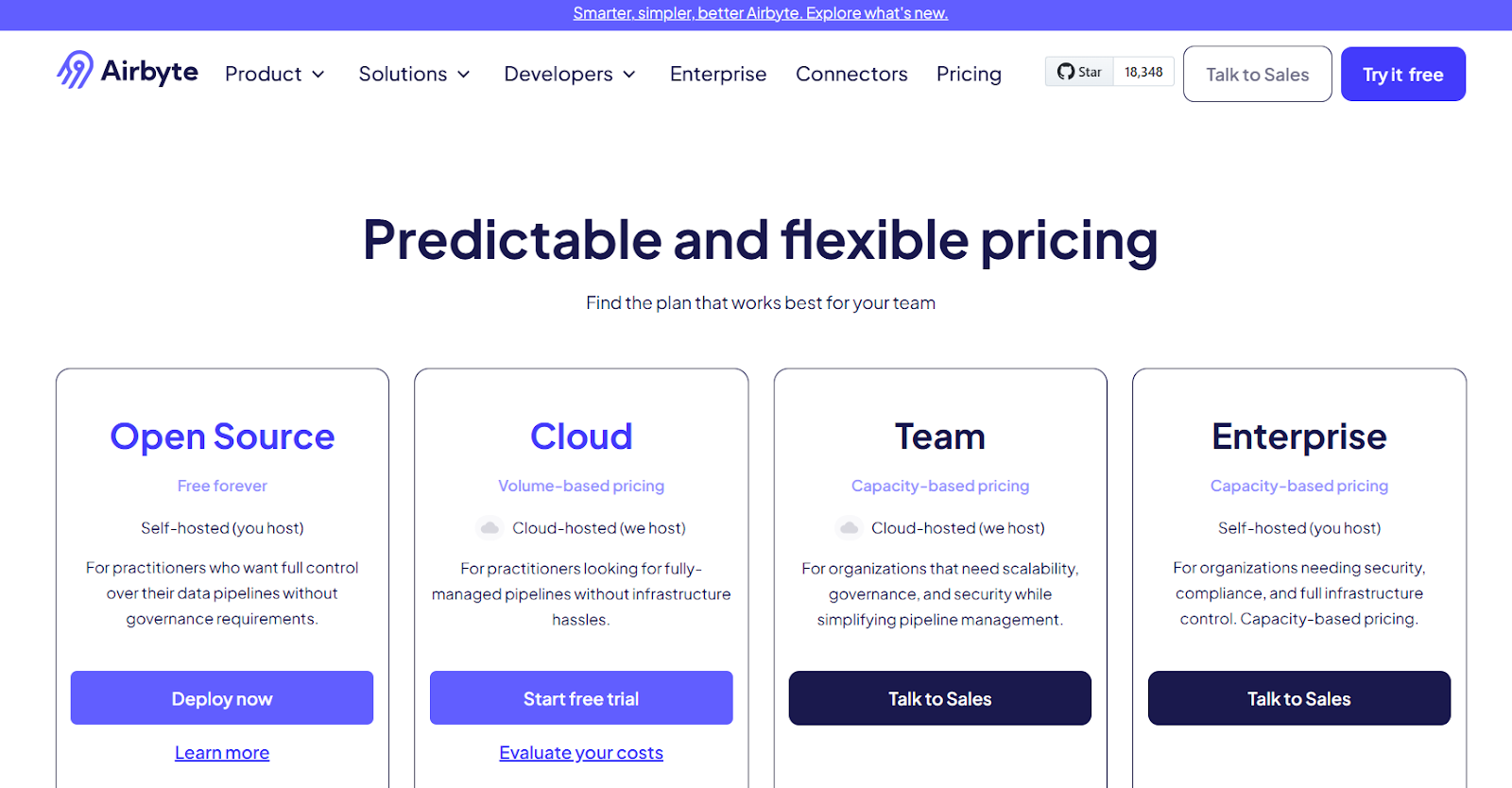
- Enterprise: Custom annual contract.
- Self-hosted (OSS): Free, unlimited.
- Cloud Standard: Pay-as-you-go credit-based, starts at $2.50 per credit.
- Plus / Teams: From ~$25,000/year, capacity-based.
G2 Rating: 4.4 out of 5 (75 reviews)

Via G2
3. AWS DMS
If your company deeply depends on the AWS ecosystem, AWS DMS is a natural choice. It provides seamless database replication across Amazon RDS, Aurora, Redshift, and other AWS services, making it ideal for cloud-first businesses.
Features
- AWS DMS migrates databases while keeping the source active, ensuring application availability.
- Compatible with Amazon Aurora, PostgreSQL, MySQL, MariaDB, Oracle, SQL Server, and SAP ASE.
- Ensures real-time data consistency between source and target databases.
- Multi-AZ support enhances durability and fault tolerance.
- AWS DMS supports the CDC for cost and resource optimization.
Pros:
- It is very easy to set up data migrations between different databases and services and is user-friendly once you learn.
- It even takes care of schema conversion as well , which means if source is relational and destination is non relational
Cons:
- AWS databases can become expensive at scale, especially with high I/O or storage needs.
- AWS DMS is closely tied to the AWS ecosystem, which may create vendor lock-in.
- The service also offers limited customization compared to self-managed databases, which could be a concern for businesses that need more control over their infrastructure.
Pricing
Pricing
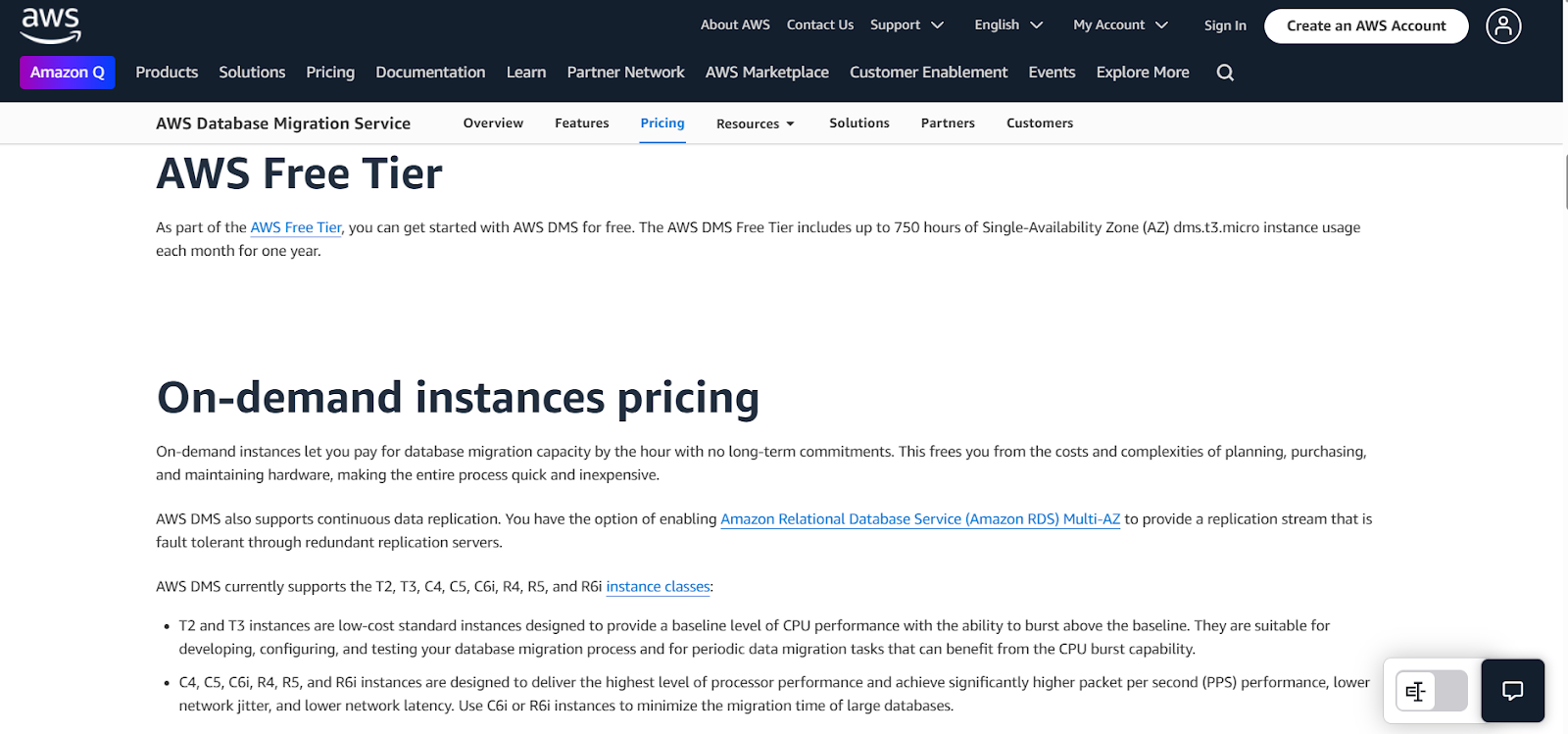
- Free tier: Available for getting started.
- On-demand instances: Pay per replication instance hour with storage ($0.115–$0.23/GB/month).
- Serverless: Pay per DCU-hour, scales automatically with workload.
- Database Savings Plans: Discounts for 1-year usage commitments.
G2 Rating: 4.1 out of 5 (40+ reviews)

Via G2
4. Talend Data Fabric
Talend Data Fabric (now part of Qlik Talend Cloud following Qlik’s May 2023 acquisition) is more than a database replication tool. It’s a comprehensive data management platform combining data integration, data quality, data governance, and API services. If your priority is data quality, lineage, and enterprise governance alongside replication, Talend is a strong contender.
Note: Talend Open Studio, the free open-source version, was discontinued on January 31, 2024. Teams still on Open Studio face mandatory migration to a paid Qlik Talend Cloud tier or an alternative platform.
Features
- ETL, ELT, data quality, master data management, and API integration in one unified platform.
- 1,000+ connectors covering cloud databases, on-premises systems, SaaS, mainframes, and APIs.
- Built-in data quality checks, profiling, cleansing, and standardization.
- Cloud, on-premises, and hybrid deployment options.
Pros:
- The tool’s user-friendly visual interface makes creating workflows easy and intuitive, allowing users to design and manage data pipelines without extensive technical expertise.
- The tool significantly improves the efficiency of data collection, filtering, and analysis, making it easier for teams to manage and work with secure, well-organized data.
Cons:
- The tool may experience performance and speed limitations, especially when handling large data volumes, and could benefit from improved memory handling and optimization.
- It is expensive when compared to other tools
Pricing
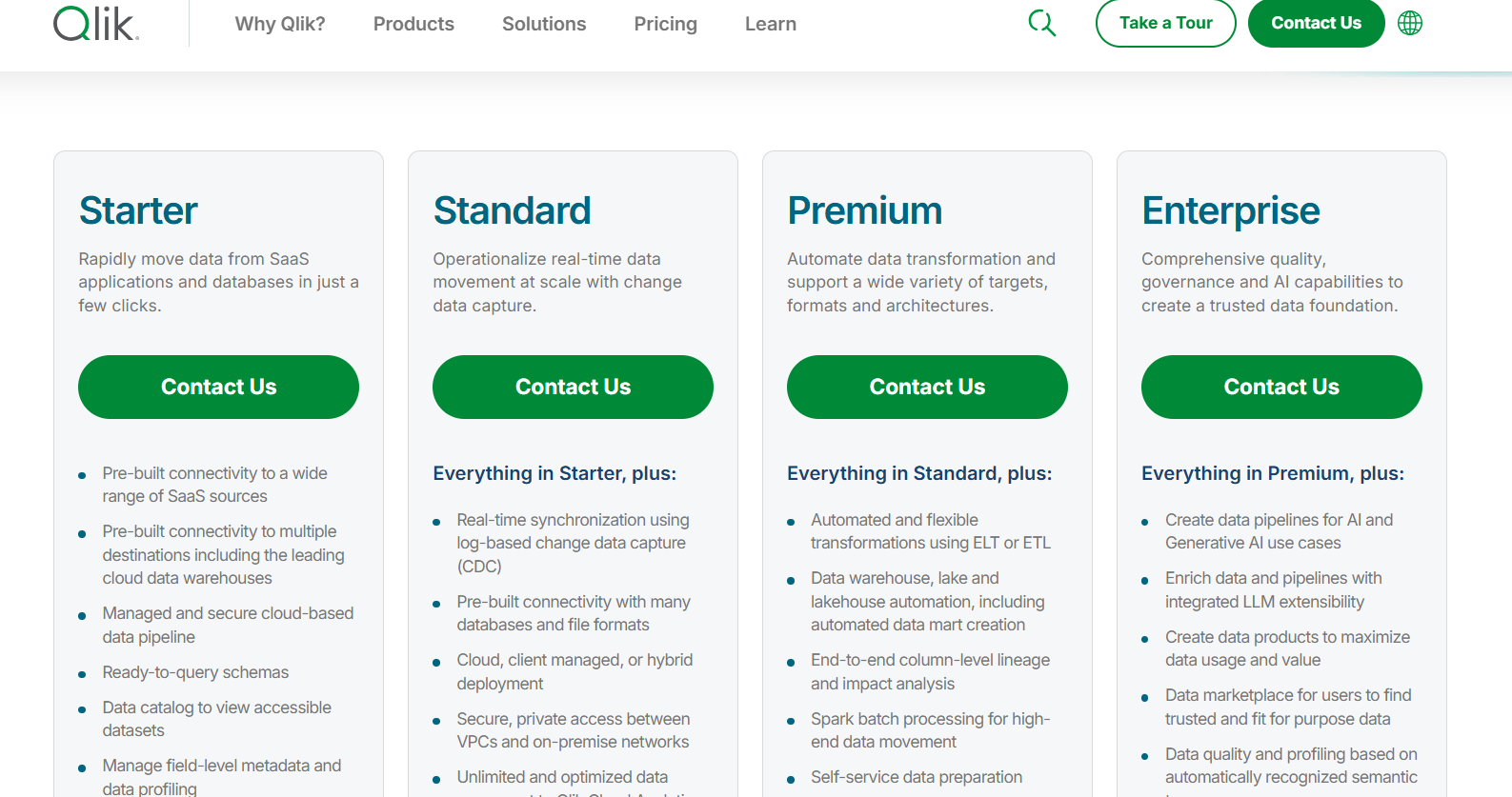
Talend offers an open-source version at no cost, while its enterprise plans, which include advanced features, are priced based on the number of users and the level of support required.
G2 Rating: 4.4 out of 5
5. Informatica
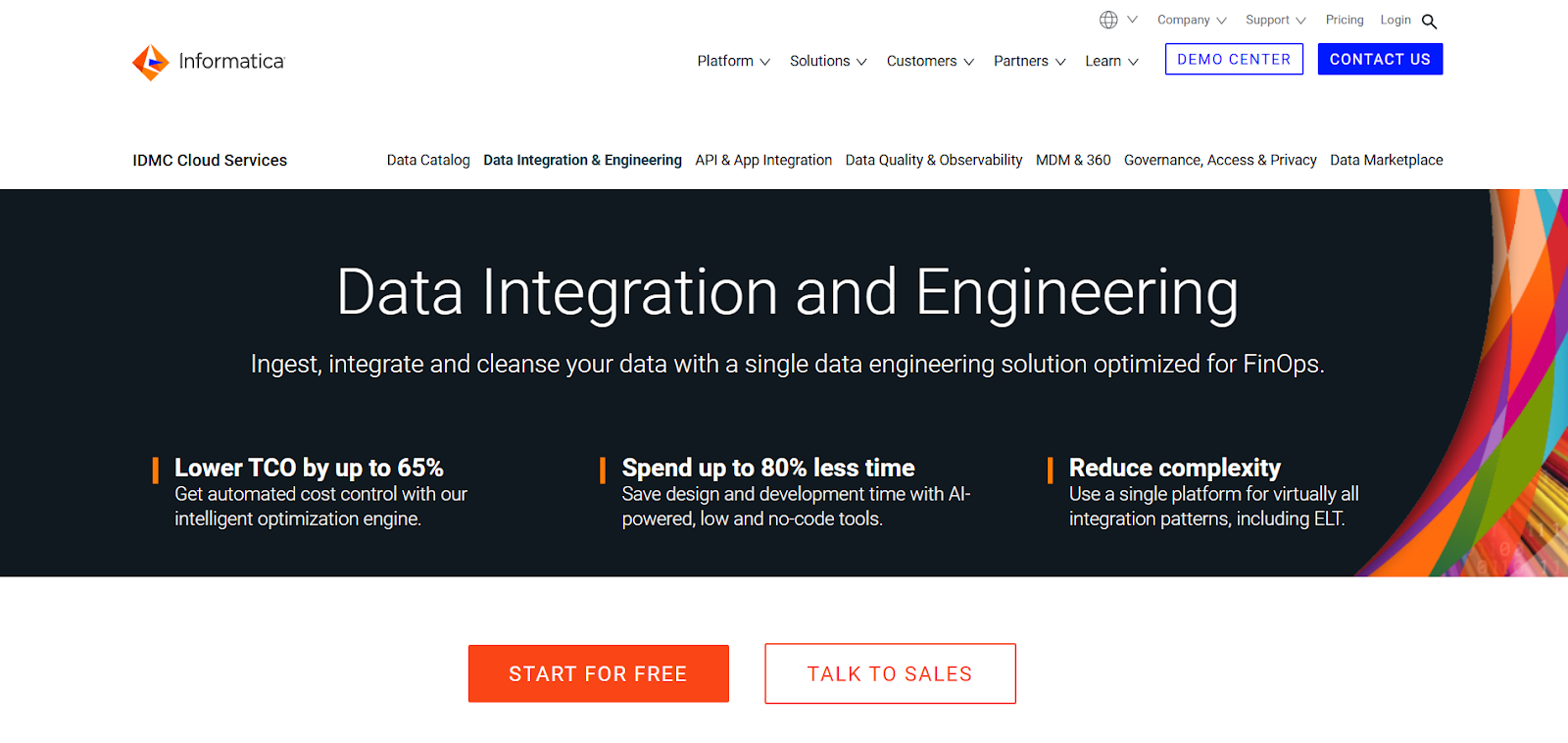
Informatica’s Intelligent Data Management Cloud (IDMC) excels at large-scale enterprise data management — replication, data integration, governance, and quality across hybrid and multi-cloud environments. AI-driven automation simplifies complex workflows, making it a strong fit for organizations with deep enterprise data complexity.
Note: Informatica PowerCenter (the legacy on-premises platform) has reached end of standard support on March 31, 2026. Existing PowerCenter customers should be planning their move to IDMC, an alternative platform, or extended support.
Features
- Comprehensive data integration, replication, quality, governance, MDM, and API integration in one platform.
- Real-time data integration with AI-driven insights via CLAIRE, Informatica’s metadata intelligence engine.
- Scalable for large enterprises with complex hybrid and multi-cloud workflows.
- Data catalog with automated metadata discovery and classification.
Pros:
- Easy to use, with a user-friendly interface and low/no-code features
- Wide variety of built-in connectors for different platforms
- Scalable and efficient, handles large volumes of data well
Cons:
- Error reporting and messages can be vague and hard to troubleshoot
- Pricing is high, especially for smaller companies
- Some operational bugs and limitations when running tasks in parallel
Pricing
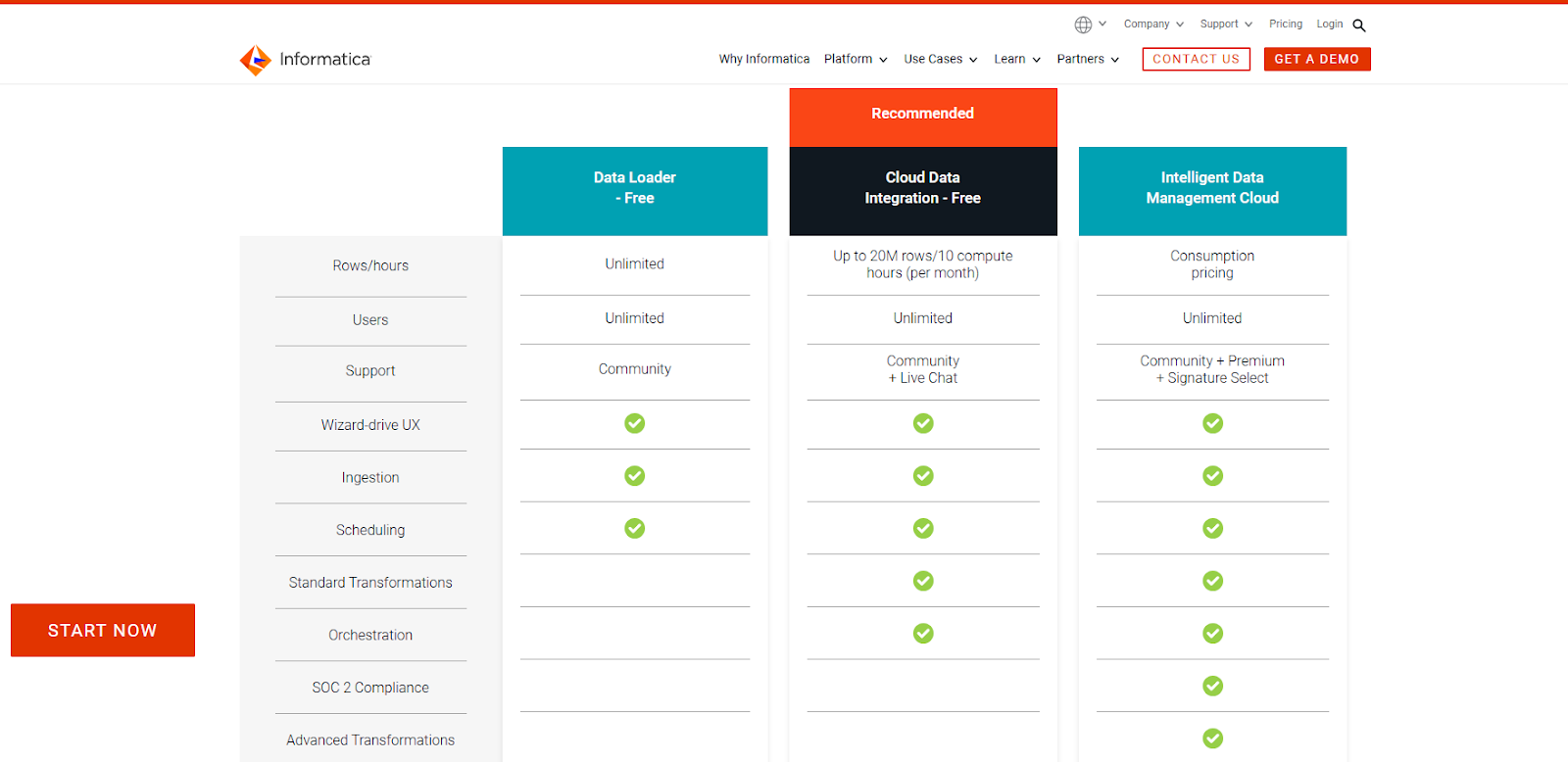
Pricing depends on the product suite and features selected, with enterprise-level plans typically carrying a higher cost. Informatica provides free trials and demos to its customers as well.
G2 Rating: 4.3 out of 5
6. Qlik Replicate
Qlik Replicate (formerly Attunity Replicate) specializes in large-scale, real-time data replication with minimal latency. It’s a strong fit for enterprises moving high-volume database replication across heterogeneous source and target systems
Features
- Real-time replication and ingestion via log-based change data capture across 30+ enterprise endpoints.
- Replicate from one source to multiple targets simultaneously.
- Agentless architecture; no software installation required on source databases.
- Centralized monitoring and management through Qlik Enterprise Manager.
Pros:
- Easy-to-use graphical interface and centralized monitoring simplify data pipeline management and setup
- Supports a wide variety of databases and endpoints, both on-premises and in the cloud
Cons:
- Steep learning curve, initial setup and understanding system requirements can take time.
- Pricing is higher, and the licensing model could be simpler.
Pricing
Subscription pricing based on data volume and deployment options (on-premises, cloud, hybrid)
G2 Rating: 4.3 out of 5
7. Fivetran
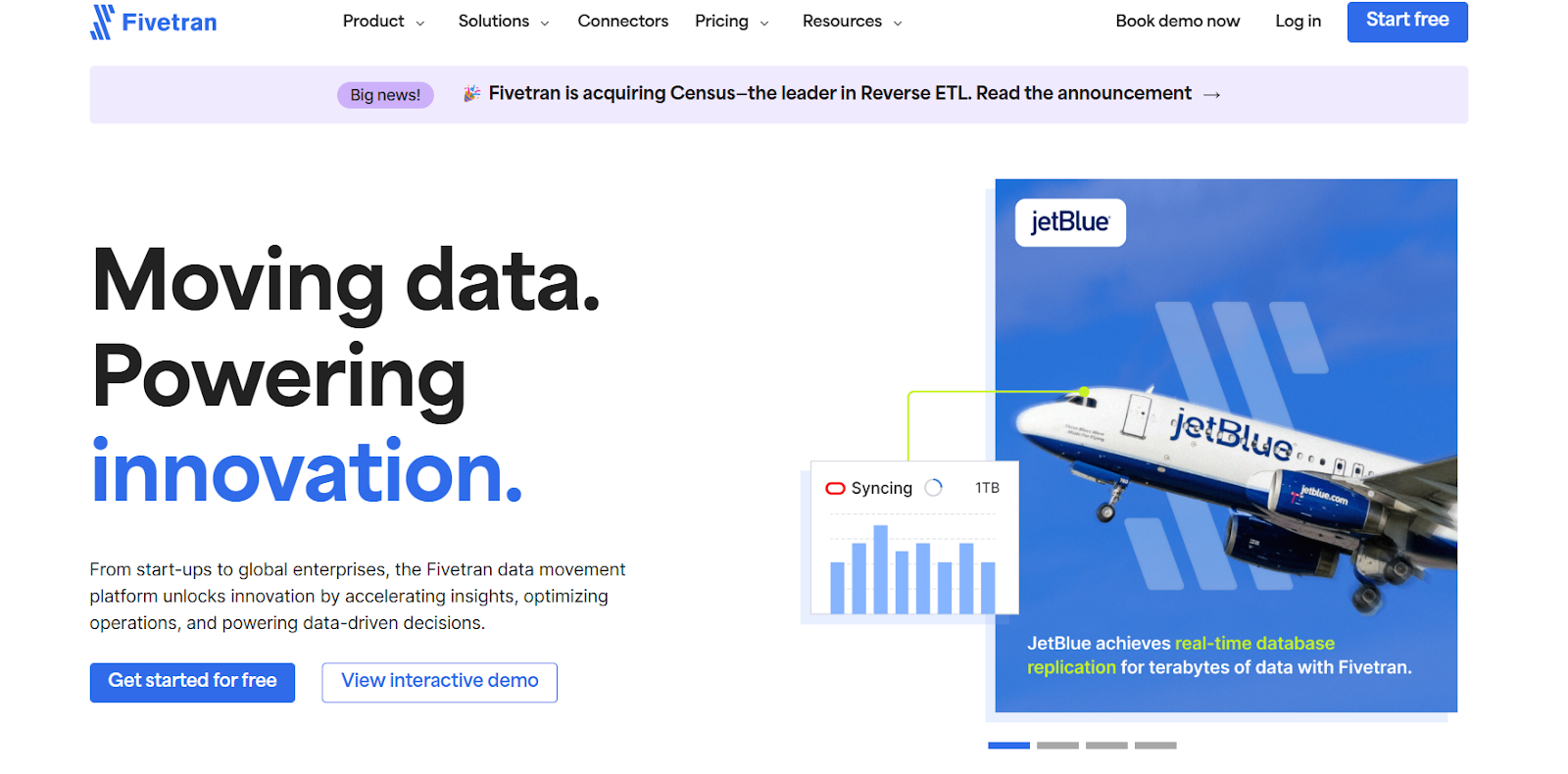
Fivetran is the market leader in automated, fully managed data integration. Its core strength is connector breadth — 700+ pre-built integrations covering virtually every SaaS app, database, and event source — paired with hands-off automation
Features
- Log-based CDC for inserts, updates, and deletes with low source-side impact.
- Automatic schema drift handling adapts to source schema changes without breaking pipelines.
- Native dbt Core integration for downstream transformations (ELT pattern).
- Reverse ETL (Activations) for syncing warehouse data back to operational systems.
Pros:
- Large variety of connectors supporting many popular data sources and destinations.
- Easy integrations with automatic schema adjustments.
Cons:
- Pricing issues with complexity around metered pricing models.
- Data limitations with some restrictions on data volumes or sync frequencies in lower tiers.
Pricing
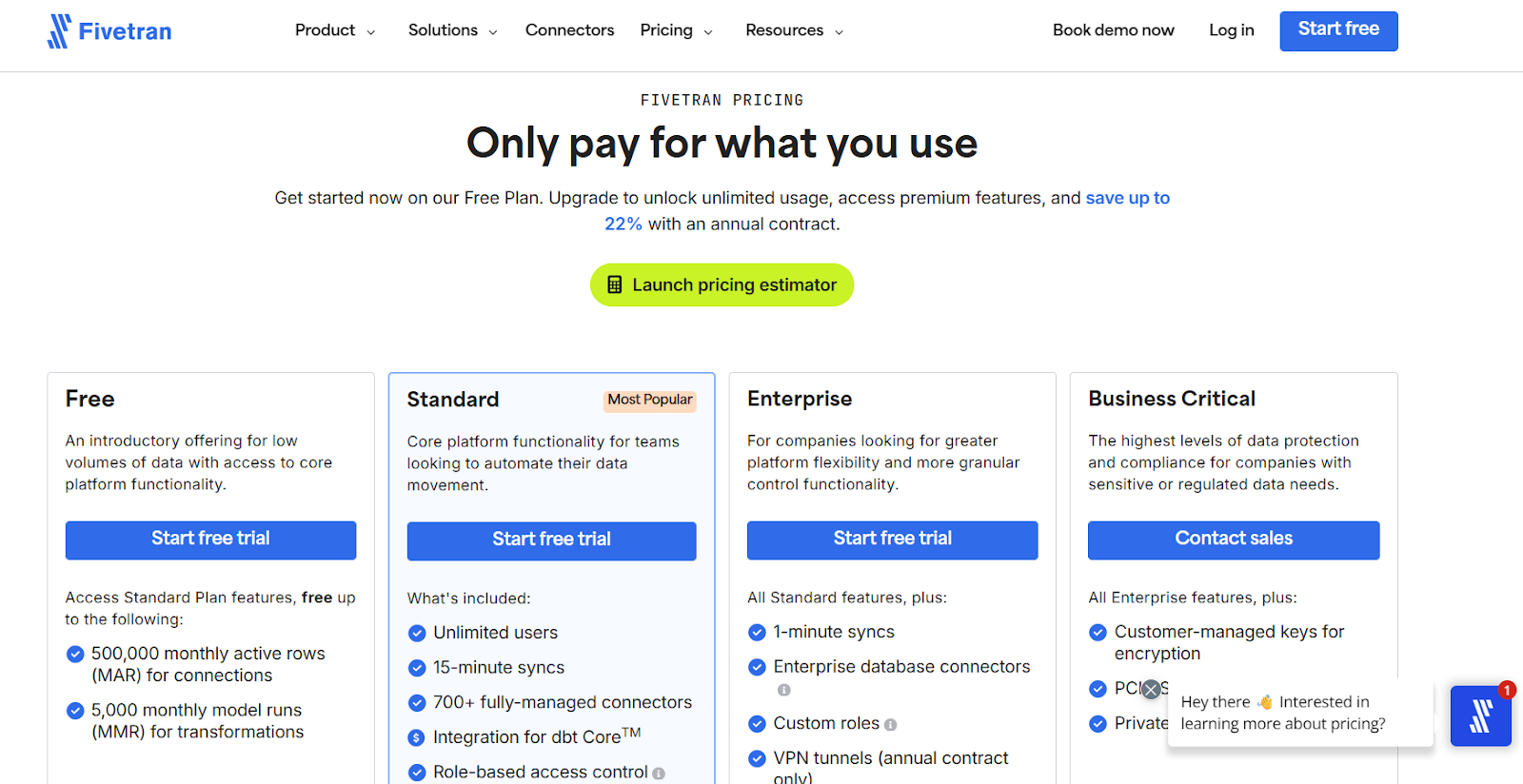
- Free: 500K MAR/month, basic connectors, no credit card required.
- Standard (Pay-as-you-go): Per-connector MAR pricing with $5 base per connection; volume discounts above 1M MAR per connection.
- Enterprise: 5-minute sync frequency, granular roles, support for teams — custom quote.
- Business Critical: Highest-security tier, customer-managed encryption, 1-minute syncs — custom quote.
G2 Rating: 4.2 out of 5
8. Carbonite
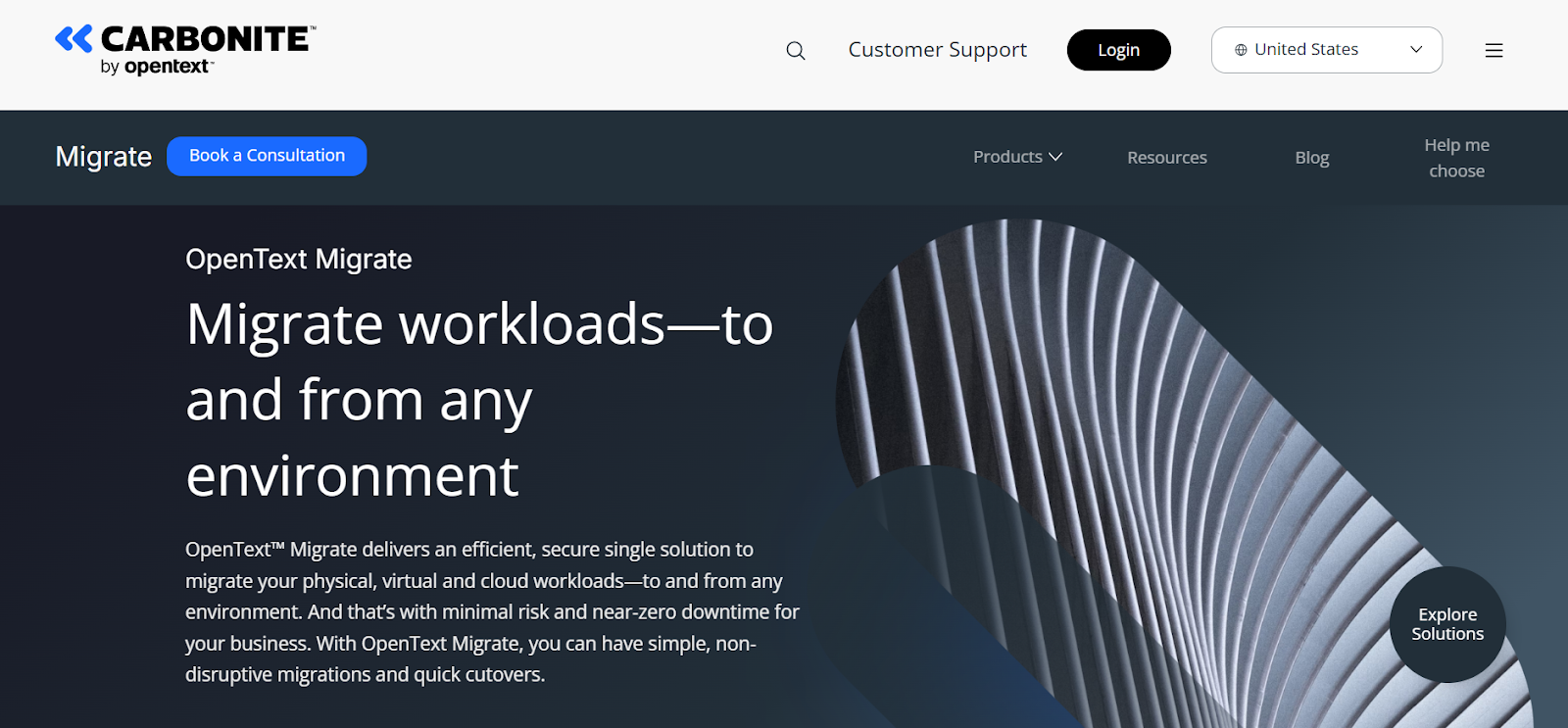
Carbonite Migrate (formerly Double-Take Move, now part of OpenText) offers comprehensive, fully managed data protection and replication for disaster recovery scenarios. It’s a fit for enterprises that need robust failover and DR alongside replication.
Features
- Continuous, real-time, byte-level replication for physical, virtual, and cloud workloads.
- Two-in-one feature set: data replication and disaster recovery in a single product.
- Replicates both physical and virtual environments.
- AES 256-bit encryption for data in transit; comprehensive SDK for integration and automation.
Pros:
- With just a single click, the failover process is automated, ensuring that your server configuration and all data are available on the other end.
Cons:
- Adding servers to the portal can be time-consuming, especially when authentication and setup take longer than expected.
Pricing
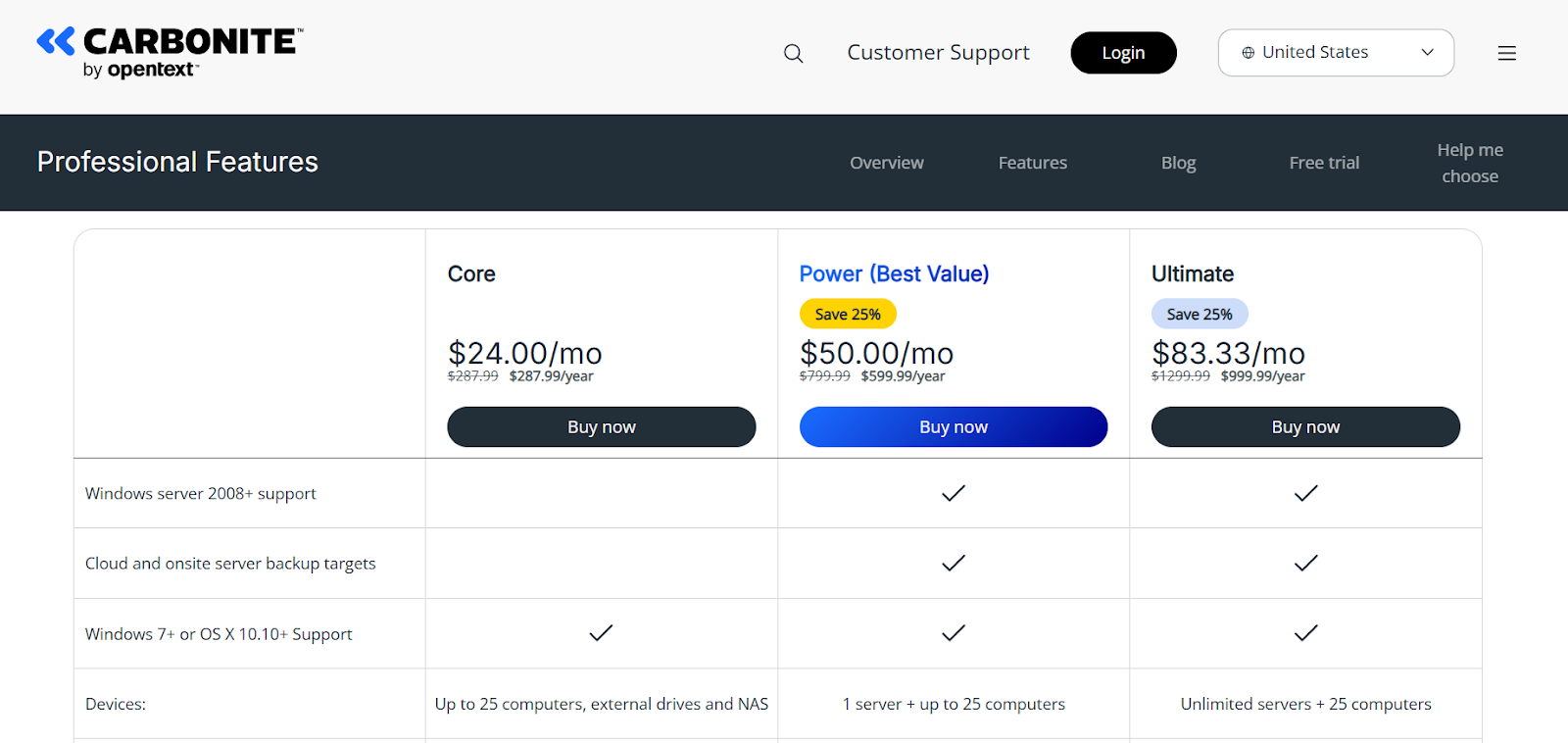
Standard licenses start around $219 per server (one-time, 60-day migration window) or ~$1,200–$2,000 per server annually for ongoing replication
G2 Rating: 4.0 out of 5
9. Nakivo Backup and Replication
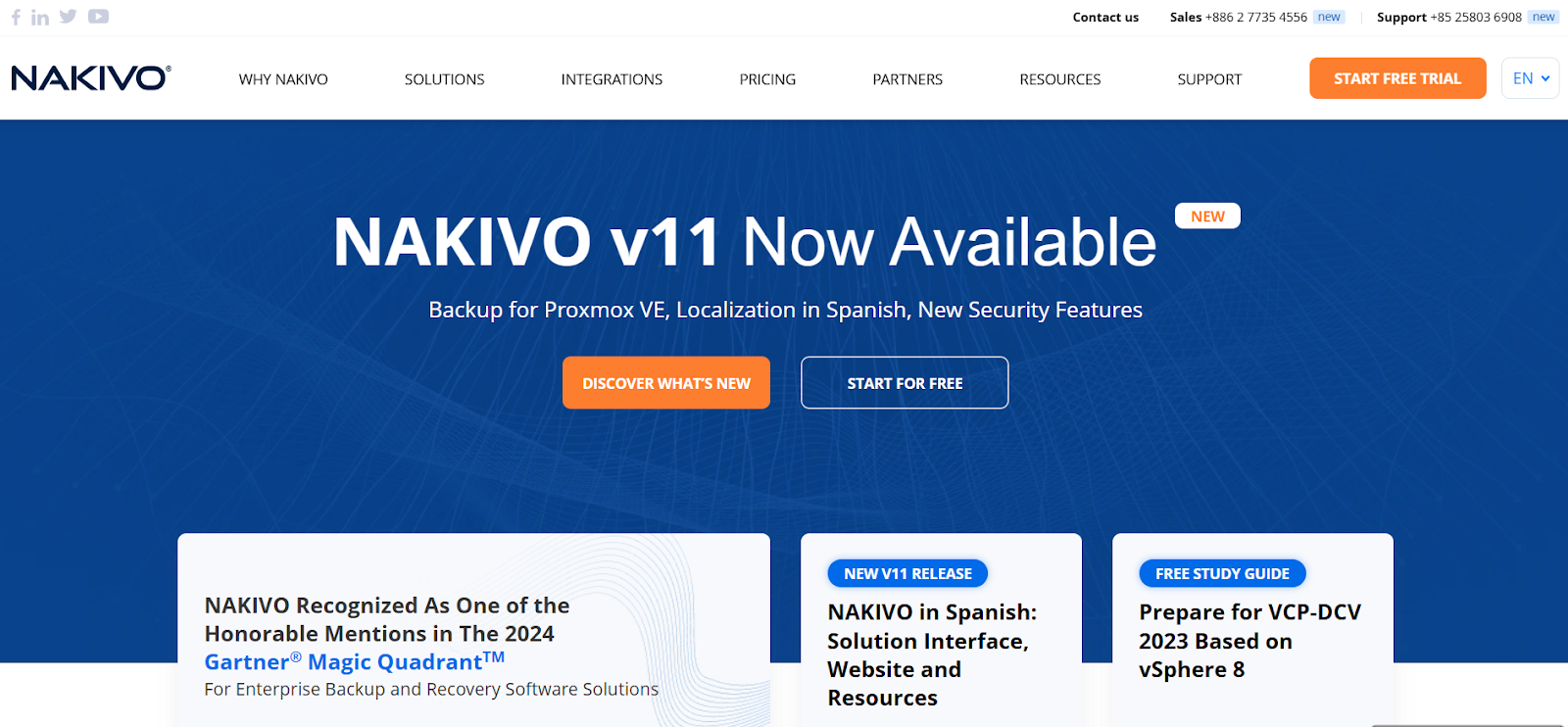
Nakivo Backup and Replication is a fast, affordable backup and disaster recovery solution for virtualized environments. It’s a top choice for hybrid cloud setups, particularly VMware-heavy stacks
Features
- Backup, replication, and recovery for VMware vSphere, Microsoft Hyper-V, Nutanix AHV, Proxmox VE, and physical machines.
- Microsoft 365 backup, including Exchange, OneDrive, SharePoint, and Teams.
- Oracle Database backup support.
- NAS backup for file shares on NAS, Windows, and Linux systems.
Pros:
- The software is easy to install and maintain, offering broad device compatibility, including legacy systems, and providing excellent value with strong support and functionality .
- Offers excellent value with its flexible pricing, making it a great choice for businesses with budget constraints.
Cons:
- Lacks source-based deduplication, resulting in slower backups over low-bandwidth WAN connections and increased storage requirements due to reliance on compression.
- The tool has restricted compatibility with certain hypervisors and applications, limiting its appeal for businesses using a wider range of technologies.
Pricing
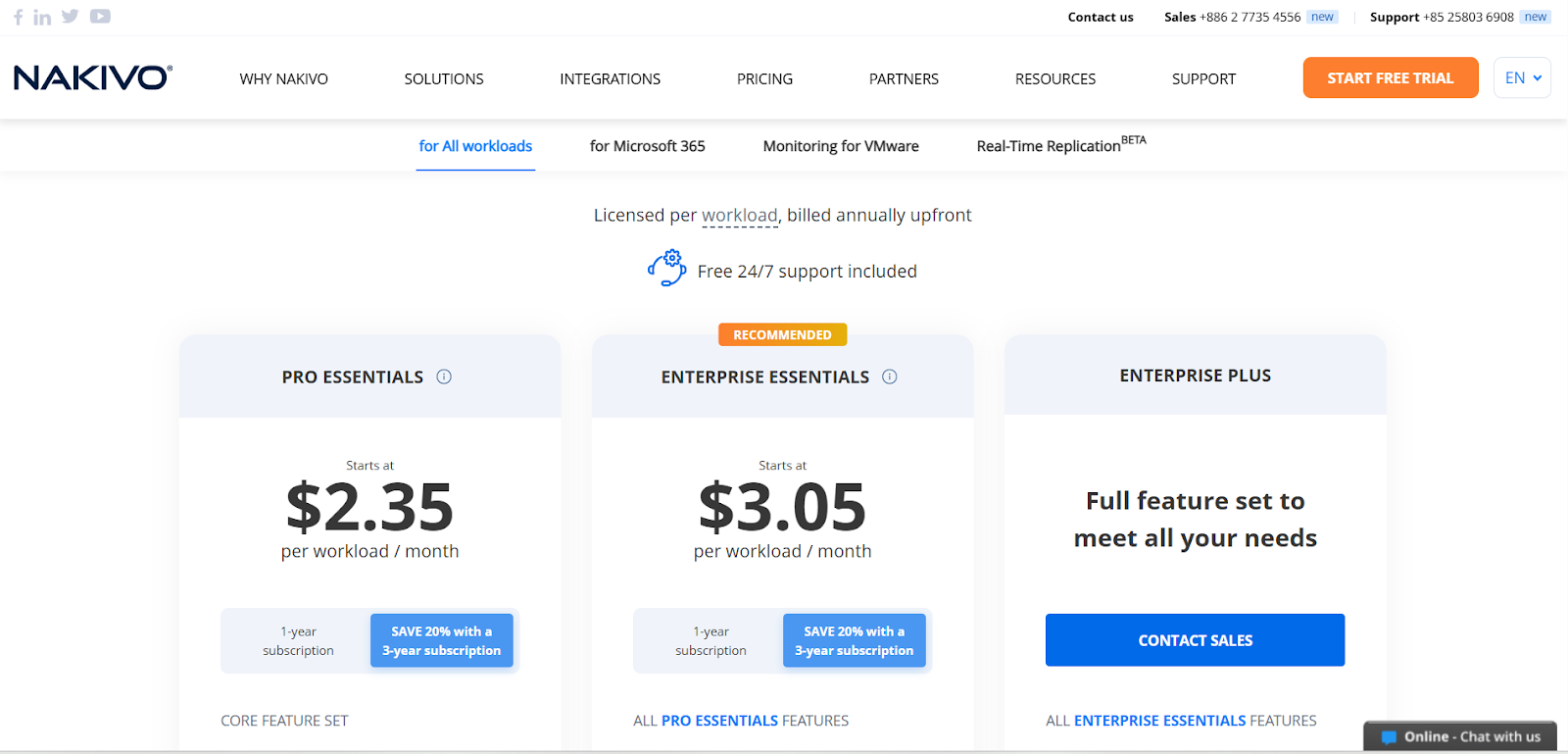
- Perpetual License: From $229 per CPU socket (one-time).
- Subscription License: From $2.45 per workload per month.
- Free Edition: Limited to specific workload counts; full feature evaluation.
G2 Rating: 4.7 out of 5
10. Matillion
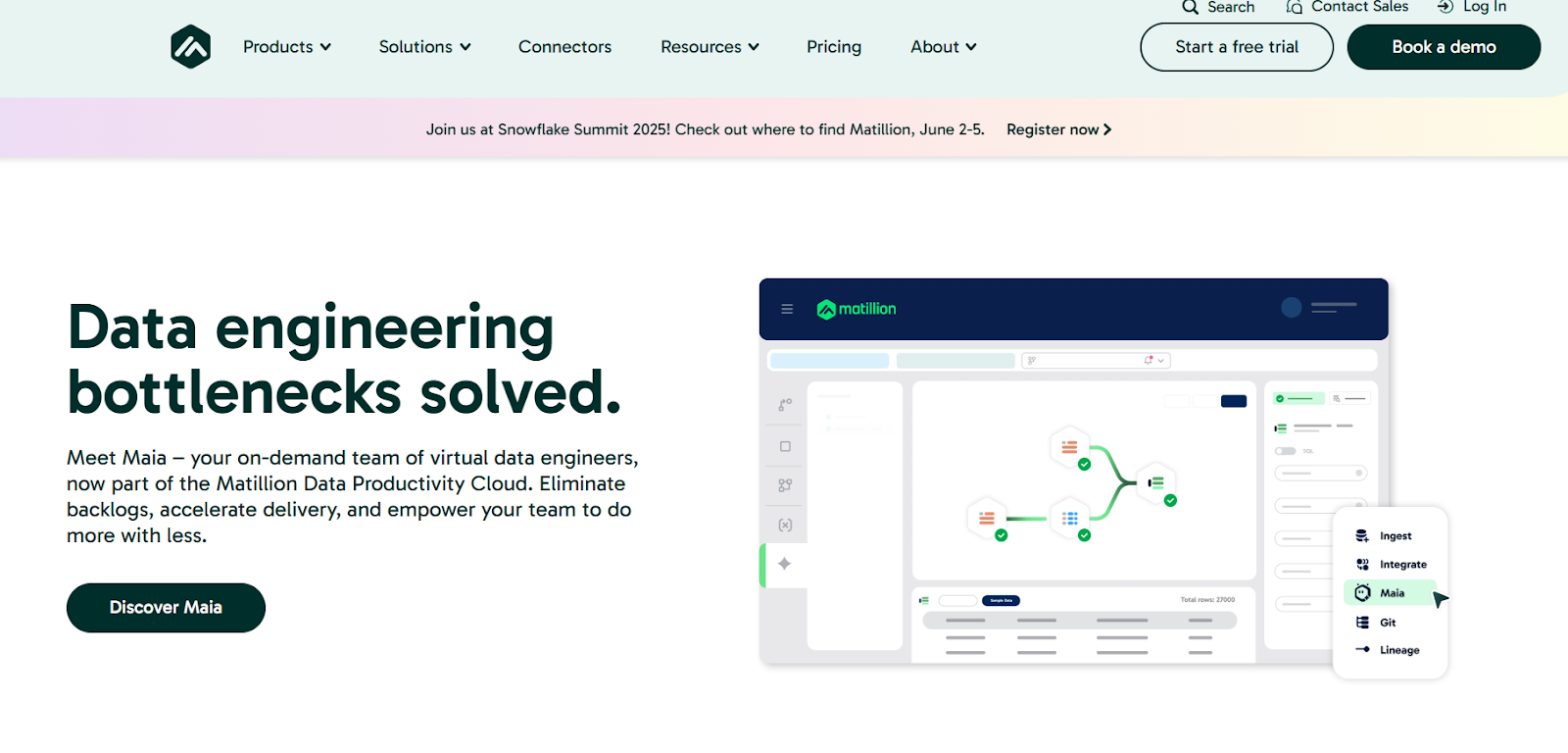
Matillion’s Data Productivity Cloud is an ELT-first data integration platform purpose-built for cloud data warehouses — Snowflake, Databricks, Amazon Redshift, and Google BigQuery. Unlike traditional ETL tools, it pushes transformations down into the warehouse, taking full advantage of cloud compute and reducing data movement costs.
Features
- 150+ pre-built connectors plus a no-code custom connector builder via REST APIs.
- Visual, drag-and-drop pipeline designer for batch loading and transformations.
- Log-based CDC for replicating database changes as they occur.
- Maia agentic AI assistant that builds, manages, and orchestrates pipelines.
Pros:
- Simple UI makes user comfortable to configure and easy to understand the flow
Cons:
- This is expensive compared to other tools
- Initial setup and configuration may be complex for beginners
Pricing:
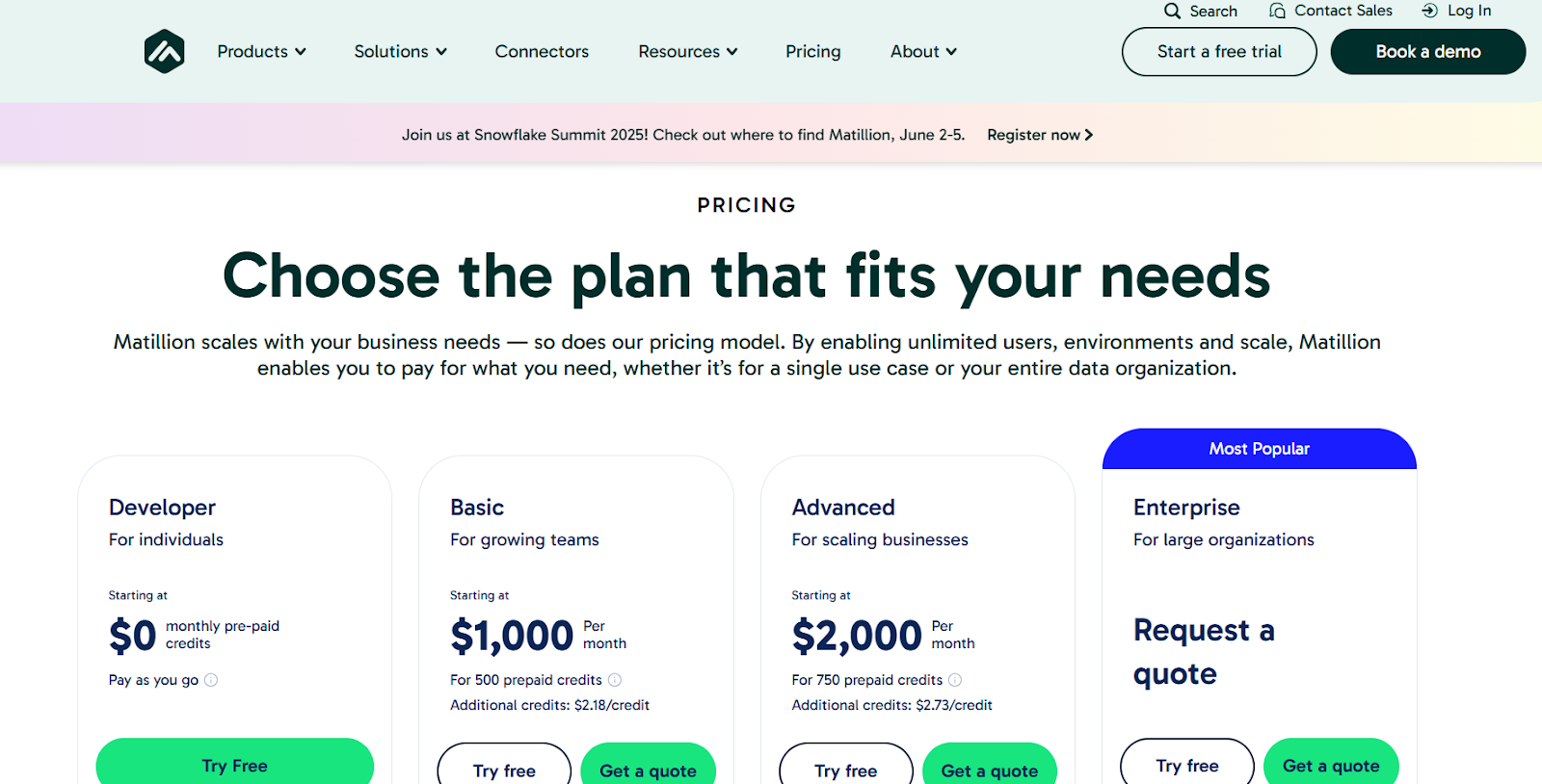
- Developer: Free for light workloads and exploration.
- Teams: Credit-based; collaborative features and expanded capacity.
- Scale: Mission-critical operations; full platform — credit-based, custom quote.
G2 Rating: 4.4 out of 5
How to Choose the Right Data Replication Tool for Your Business
Picking a replication tool comes down to your data volume and how much pipeline maintenance your team is willing to absorb. Your latency tolerance and the source systems you’re pulling from also matter. Here are the factors that actually matter when you’re evaluating tools side-by-side.
- Real-time vs. batch (CDC capabilities)
Log-based CDC reads from transaction logs (binlog, WAL, redo logs) and captures every change with minimal source impact. Batch replication is fine for analytics, tolerating 5–60 minute staleness. See real-time data replication for tradeoffs.
- Source and destination coverage
Map every system before shortlisting. Most tools cover major databases and warehouses; the question is whether they support your source versions, SaaS apps, data lakes, Kafka, and reverse-ETL targets.
- Schema drift and data type handling
The tool must detect new columns, type changes, and renamed tables, and propagate them without dropping data. Check whether it auto-creates columns or pushes through and risks corruption.
- Pricing model and cost predictability
Tools are priced based on rows/events , GB of data, or infrastructure capacity. If possible, avoid MAR-based models as costs spike unpredictably. Event-based pricing is more stable. Scenario-test against batch processing-heavy and CDC-heavy workloads and model a year of growth.
- Observability and pipeline visibility
You need one view of which pipelines are running, lagging, moving data, and failing. Unified dashboards, detailed logs, lineage, and alerts separate real tools from useless ones.
What is Database Replication?
Database replication means storing data at multiple locations so users can access the latest versions from anywhere. It involves copying data from one server to another for uniform availability and sharing.
Database synchronization or replication tools are essential in maintaining consistency across distributed databases, ensuring data integrity, and facilitating error-free data updates between different environments. SQL Server replication tools provide their replication features for replicating data across databases. MySQL offers built-in features and third-party tools for database replication.
Importance of Data Replication in Modern Business
Data replication is an essential part of modern business in today’s technological landscape, and a clear data replication strategy is what separates companies that get value from their pipelines from those that don’t. Here’s why it matters:
- Data Accessibility: Replicating data across various environments provides continuous access to essential information, enabling companies to make informed decisions and drive critical business processes.
- Optimized Data Transfers: Provides enhanced data transfers irrespective of your geographical location.
- Optimizing Performance: Sharing data processing tasks between systems boosts efficiency, primarily during peak user activity periods.
- Reduces Overall Risk: Data replication protects against hardware failures.
- Data Integrity: Helps maintain data consistency and accuracy across multiple locations.
Types of Data Replication
When you replicate data, you can choose from a few different methods depending on how often your data changes and how you want it synced. Here are the three main types you’ll come across:
Snapshot Replication
With snapshot replication, you copy data exactly as it looks at a specific moment. It doesn’t track ongoing changes; it just takes a “snapshot” and sends it to the other database. This method works best when your data doesn’t change much between updates.
Merge Replication
Merge replication lets you and others update data in different places, then combines those updates into one consistent version. It’s useful when users need to work offline or on separate systems and sync changes later.
Transactional Replication
Transactional replication copies changes from one database to another in real time. Every update, insert, or delete is immediately passed on to the replica. This is great when you need your data to be always up-to-date — for real-time analytics or reporting.
Here’s What We Recommend
There’s no single winner here. The best tool matches your data volumes, latency tolerance, and how much pipeline maintenance your team actually wants to own.
For heavy data moves, Hevo, Fivetran, and Airbyte all hold up. For disaster recovery specifically, Carbonite is purpose-built for it.
If you want one tool that handles ingestion and transformation without stitching two systems together, Hevo covers both. Start a 14-day free trial and see how it fits your stack.
FAQs
What is a data replication tool?
A data replication tool copies data from one database to another, ensuring data consistency across systems. Examples include HVR, GoldenGate, and Qlik Replicate.
What are the two basic styles of data replication?
1. Synchronous Replication: In synchronous replication, data is simultaneously written to the primary and secondary (replica) databases.
2. Asynchronous Replication: Data is first written to the primary database and then propagated to the secondary database.
What is the Alternative to Database Replication?
An alternative to database replication is Database Sharding. Sharding involves partitioning the data across multiple databases, or shards, based on a specific criterion (e.g., user ID, geographic location). Each shard contains a subset of the data, and they make up the complete dataset.
How to replicate a database in MySQL?
1. Configure the master server.
2. Configure the slave server.
3. Verify the replication.
What are Common Database Replication Methods?
1. Snapshot Replication
2. Transactional Replication
3. Log-based replication
4. Merge Replication
5. Bi-directional Replication
What is the best data replication tool in 2026?
Hevo Data is one of the strongest picks in 2026, especially for teams that want real-time replication without the operational overhead. It’s a no-code platform with 150+ connectors, log-based CDC, automatic schema handling, and predictable event-based pricing.

Share it with your connections.
-
 Share To X
-
 Share To LinkedIn
-
 Share To Facebook
-
 Copy Link